Never lose track of work again.
Assign tasks, track progress, and approve completed work — with full accountability and a permanent record of every action.
Free for your first 30 days. No card needed.
How TrackDesk works
Four simple steps — no training needed.
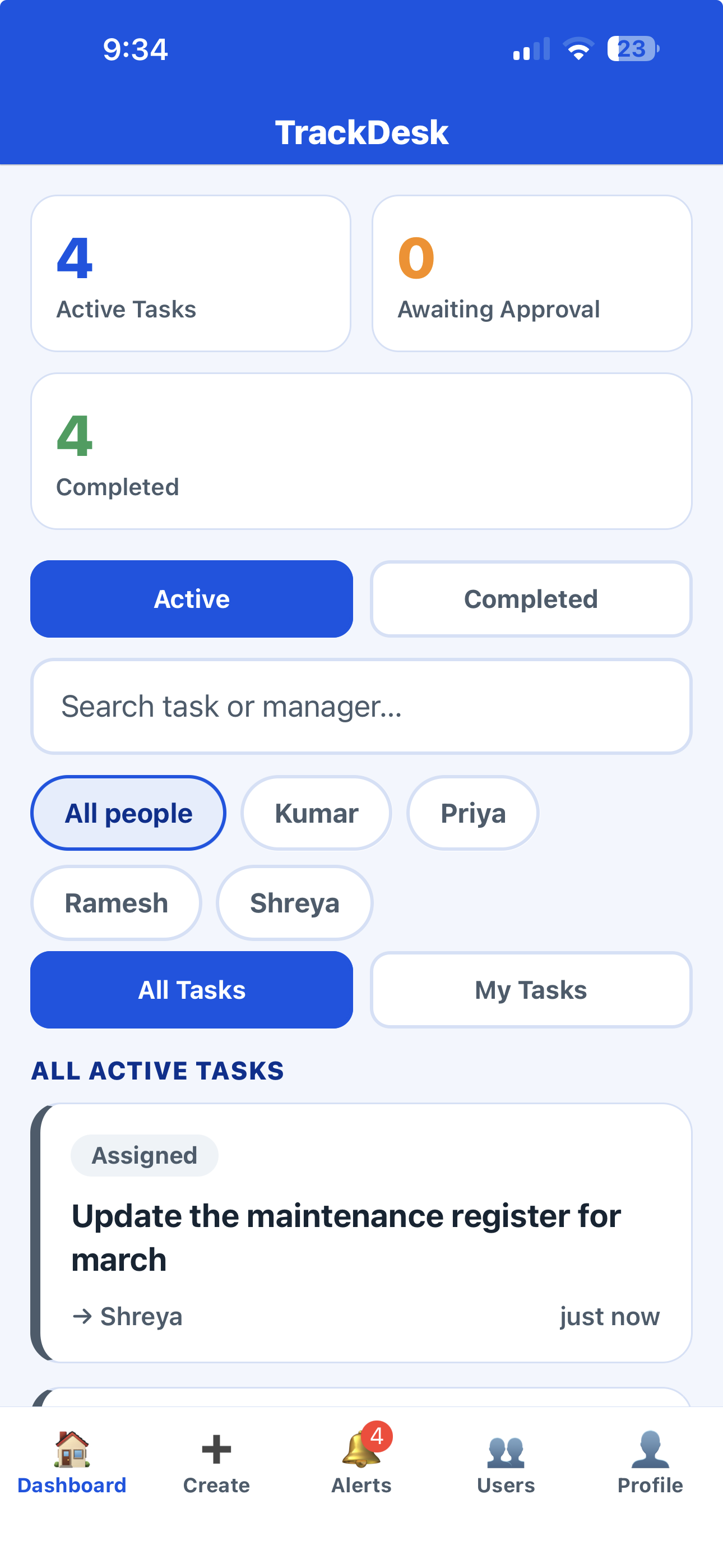
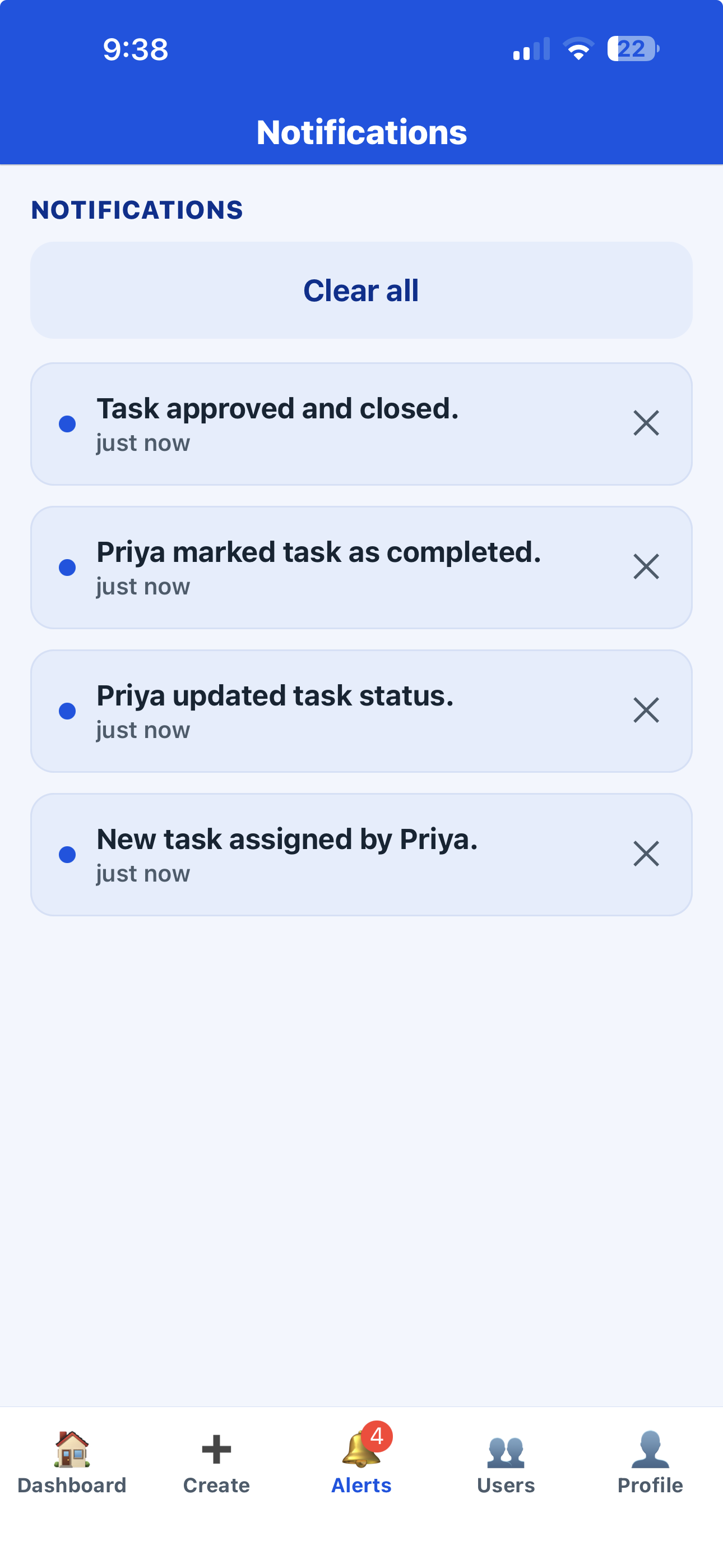
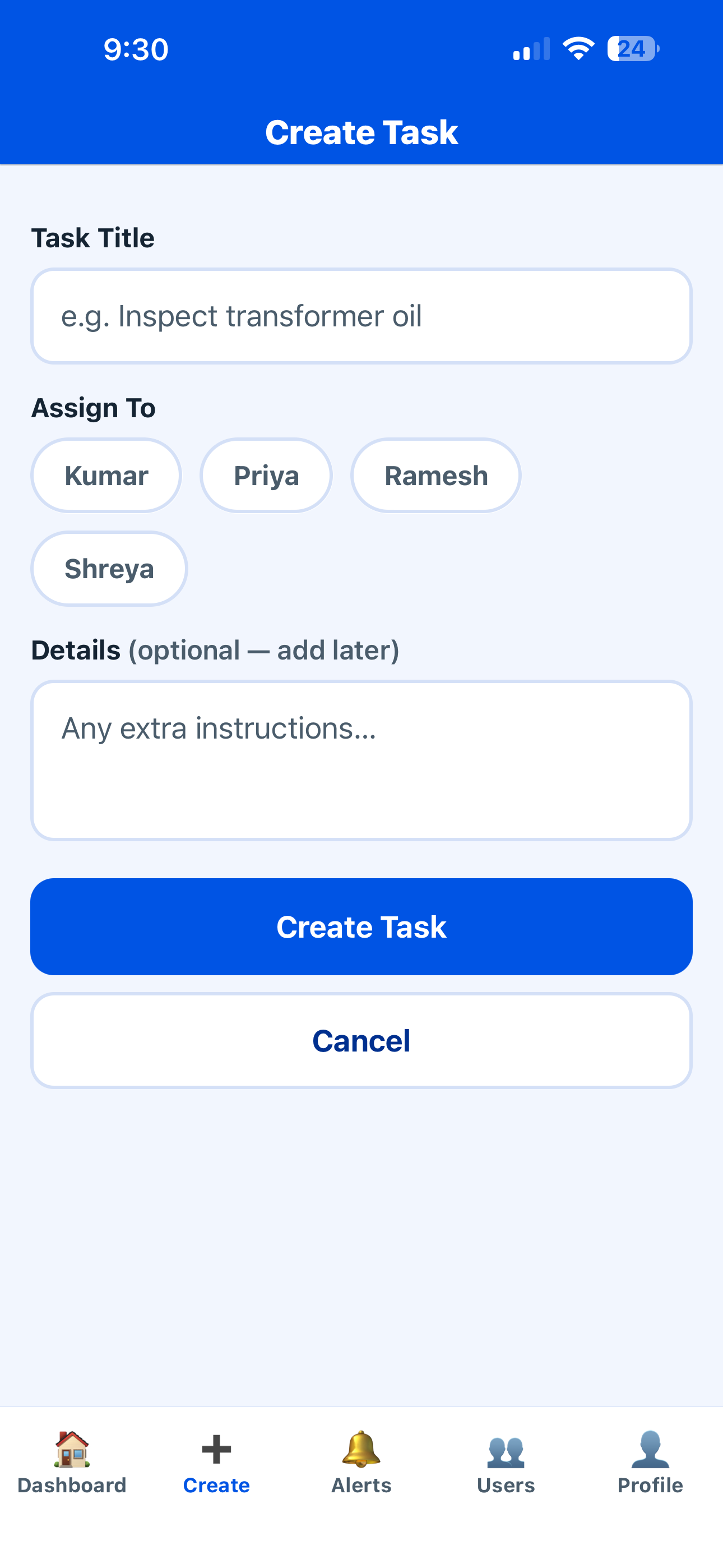
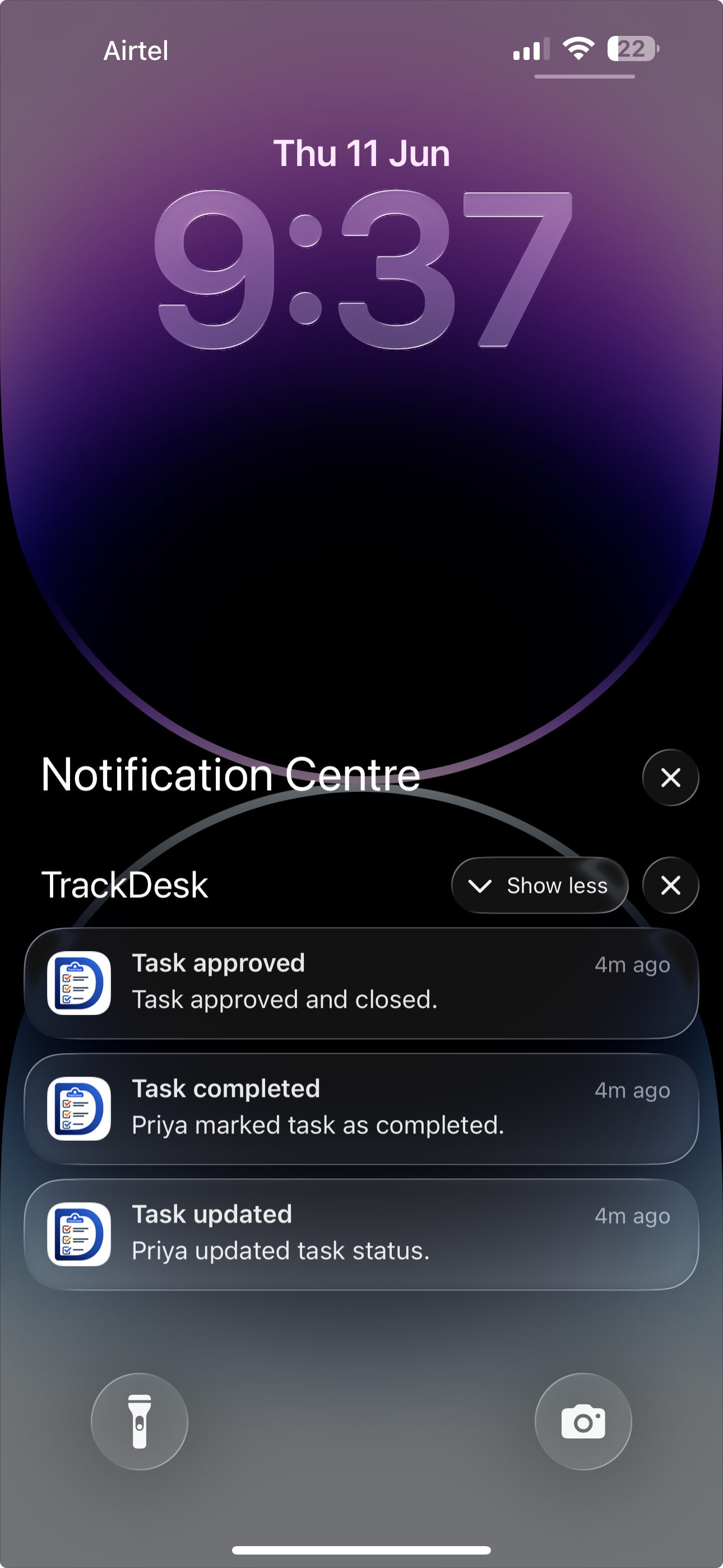
A look inside TrackDesk
Big, simple screens your whole team can use — no training needed.
Who uses TrackDesk?
TrackDesk is designed exclusively for businesses and organizations — not for individual consumers. Access is purchased by a company, and user accounts are created and managed by that company’s administrator. There are no in-app purchases.
Start your 30-day free trial
Tell us about your business and we’ll set up your company, create your owner login and walk you through it — usually within one working day. Custom pricing after the trial, quoted for your team size.
Security & privacy
See TrackDesk in action
Try it free for 30 days. We’ll set up your company and walk you through it — it takes 15 minutes.
No card needed. Custom pricing after the trial.